Indxr applies OCR to PDF files stored in SharePoint libraries or folders, adding a searchable text layer either on demand or on a schedule. Keep documents discoverable, indexable, and usable across your environment.
Encodian Indxr is built for organisations managing high volumes of PDFs in SharePoint, where missing text layers reduce search accuracy, increase manual effort, and create compliance risks.
Many PDFs stored in SharePoint lack a text layer, making them difficult to search, classify, or manage. Indxr applies OCR in bulk and supports scheduled processing, ensuring documents remain searchable without manual intervention.
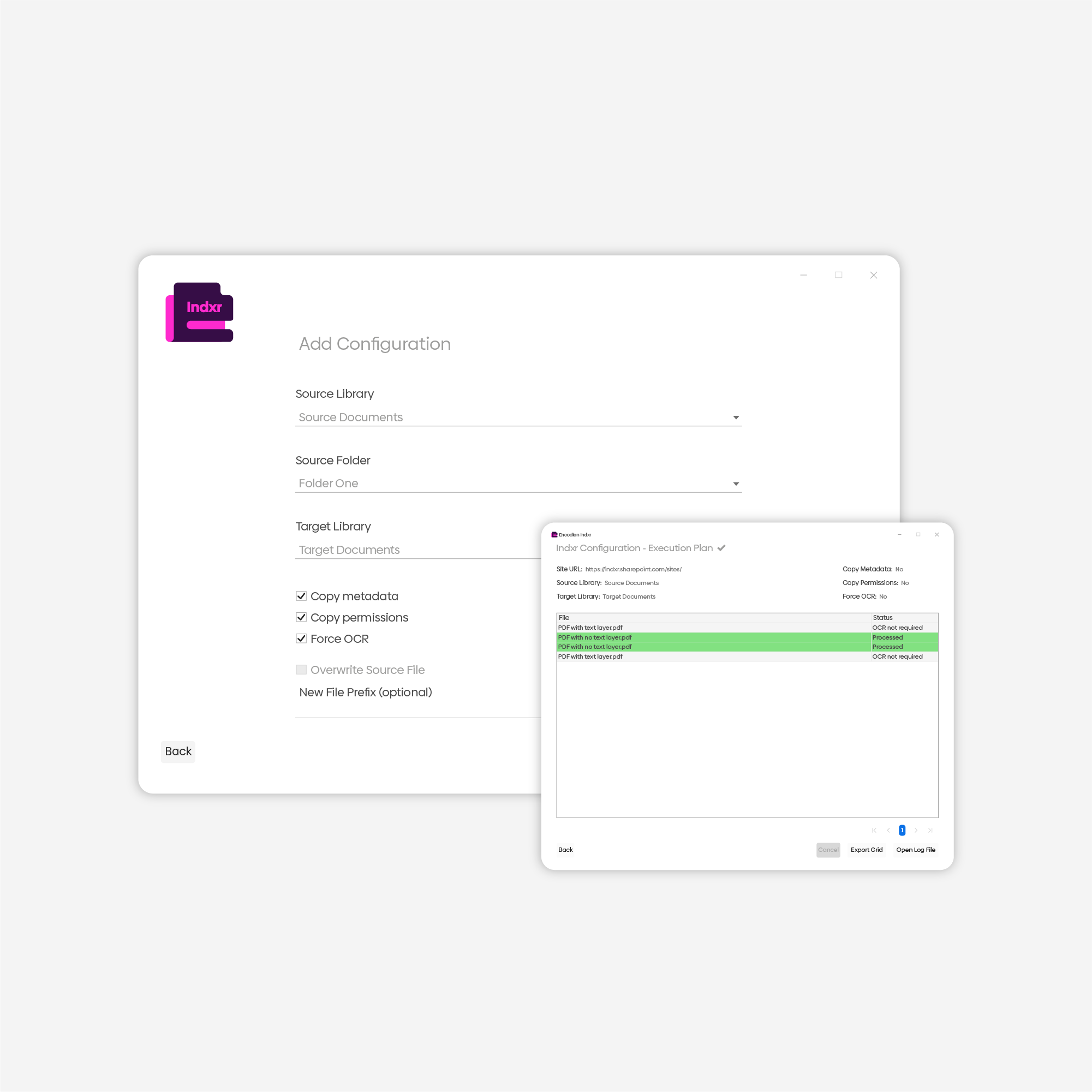
Encodian Indxr applies OCR across SharePoint libraries or folders, ensuring documents remain searchable.
This keeps OCR consistent across SharePoint as content grows.
Encodian Indxr includes a free audit tool to assess OCR coverage across SharePoint.
Bulk OCR your SharePoint PDFs. You can choose specific libraries and folders, copy metadata and permissions, and more!
Save your organisation time by setting up an OCR configuration and scheduling its executions with Task Manager.
Limitlessly audit your SharePoint PDFs to find non-searchable documents for OCR, track progress during the run, and export results upon completion.
Encodian Indxr’s free audit tool lets you assess searchability across SharePoint instantly, with no cost or commitment. Analyse how searchable your SharePoint PDFs really are and identify documents that are missing a text layer and can’t be reliably searched.
Use the audit to understand the scope of the problem before applying OCR, or to verify ongoing compliance as content grows.
This gives teams clear visibility into OCR coverage across SharePoint, without you even opening your files.
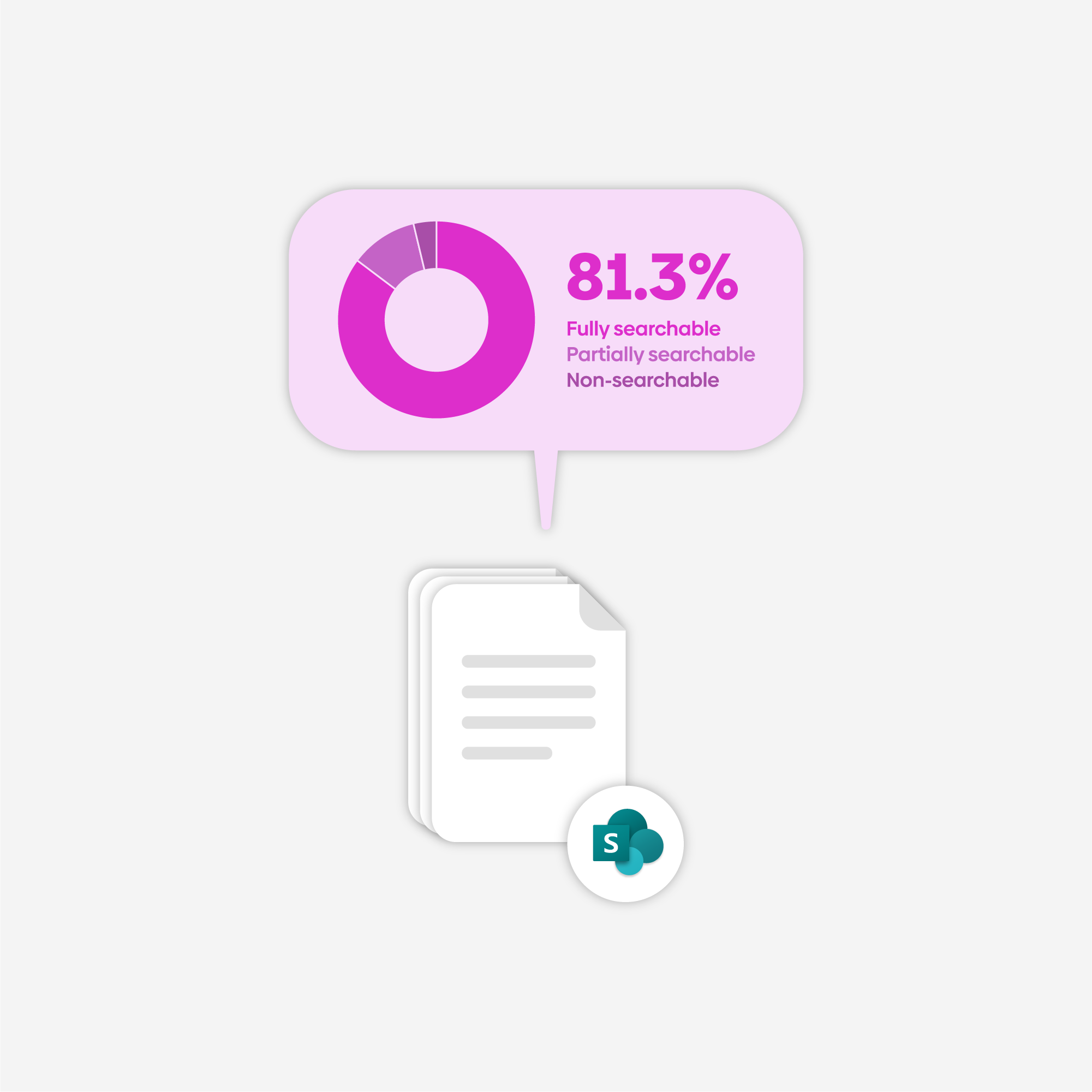
OCR supports document accessibility, searchability, and compliance requirements.
Text layers allow PDFs to be indexed and reliably searched across SharePoint, enabling users to find content quickly using native search and metadata.
OCR ensures documents can be read by screen readers and assistive technologies, supporting accessibility requirements and inclusive access.
Searchable PDFs support retention, audit, and eDiscovery processes by ensuring document content can be reviewed, validated, and governed consistently.
Encodian Indxr is licensed via a simple subscription model, designed for high-volume OCR workloads.
Free |
Recommended Professional$499 / month |
|
|---|---|---|
Free |
Recommended Professional$2,999 / year |
|
Free |
Recommended Professional€449 / month |
|
Free |
Recommended Professional€2,799 / year |
|
Free |
Recommended Professional£399 / month |
|
Free |
Recommended Professional£2,499 / year |
|
Unlimited OCRUnlimited documents, pages, users & installations |
Watermarked | |
Analysis & ReportingDiscover how many of your SharePoint PDFs are OCRed |
||
Automated ExecutionSet up automations to trigger Indxr to OCR SharePoint PDFs |
||
Advanced FeaturesImage clean-up, copy SharePoint permissions, metadata & more |
OCR your SharePoint PDFs with Encodian Indxr.
We offer a free and a paid plan.
The free plan offers unlimited analysis of your SharePoint estate (identifying how many PDFs/images are OCR’d and how many are not searchable) and unlimited OCR, with a watermark applied.
The paid plan offers unlimited analysis, unlimited OCR for an unlimited number of users, and an unlimited number of installed instances.
Please refer to:
Indxr Installation support article →
Please refer to:
Indxr Guidance support article →
Please log into your Encodian Account Portal to manage your Indxr trial, API key, subscription, and other details.
Yes. If you prefer not to pay through the Encodian Account Portal, you can request invoiced billing by contacting sales@encodian.com.
Our Sales Desk supports payment by:
Learn more:
Purchasing an Encodian Subscription →
Encodian products are designed for business and professional use. Personal or consumer use isn’t supported, and trials must be requested using a business or organisational email address.
All of our documentation is on our support site.
Blogs to help you learn more about OCR and Indxr.
Are you an MVP or a consultant? Why not take a look at partnering with us?
Suggest features, read announcements and request support.
Encodian Indxr ensures SharePoint PDFs are searchable by applying an OCR text layer.
For generating, transforming, and processing documents within Power Automate, Encodian Indxr works seamlessly with Encodian Flowr.
Together, Flowr and Indxr enable searchable, automated document workflows across SharePoint, from ingestion through to processing.
Flowr

Automate and generate documents.